
Recognize installed mods
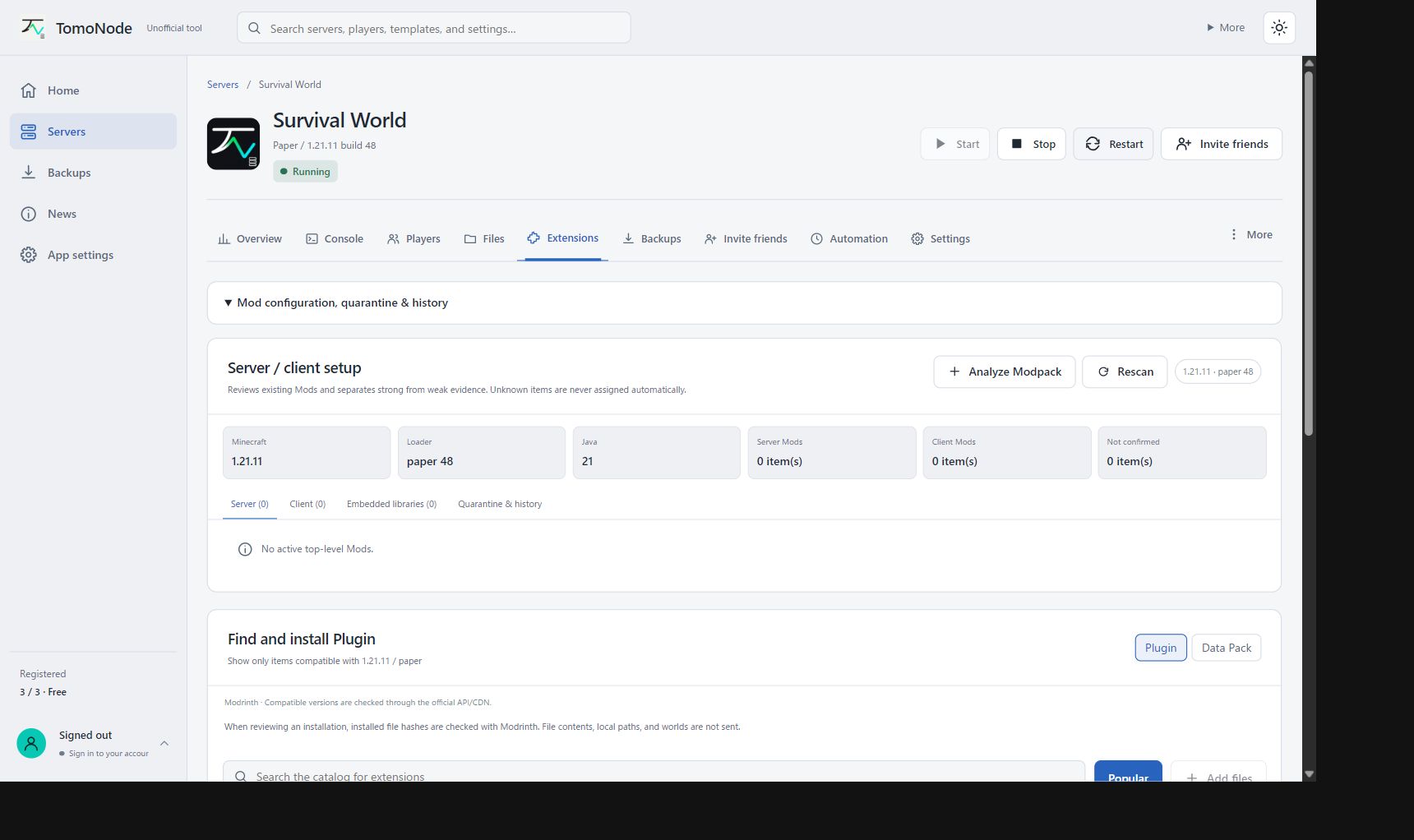
Active file SHA-512 hashes are looked up on Modrinth, including renamed required dependencies. Only hashes are sent, not contents, paths or worlds.
GAME SERVERS ON WINDOWS
TomoNode is a free Windows app for creating and managing Minecraft Java, Bedrock and Palworld servers. Follow the on-screen steps from setup to inviting friends.
Not Windows Authenticode-signed. Check the source and SHA-256; do not bypass unfamiliar warnings.
Independent project — not an official Minecraft or Palworld product
TomoNode 0.5.28
Active file SHA-512 hashes are looked up on Modrinth, including renamed required dependencies. Only hashes are sent, not contents, paths or worlds.
Compatible installed dependencies are reused, not silently replaced when incompatible. Provider-declared conflicts are checked. Unknown files and every mod combination cannot be guaranteed.
Deleting extensions also removes matching tracking records. Missing, disabled or hash-changed files are excluded from update candidates. Staged updates are checked again for size and hash.
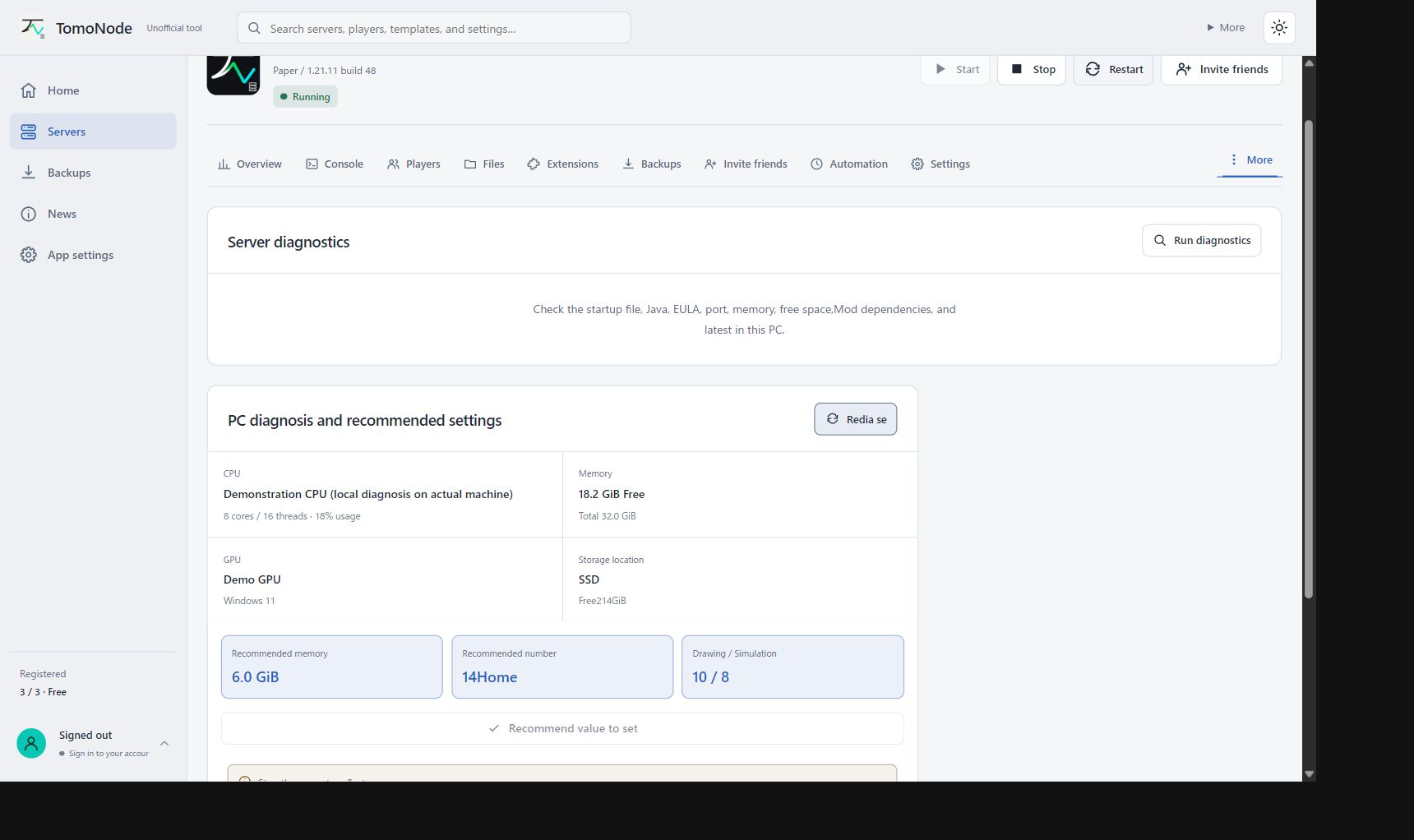
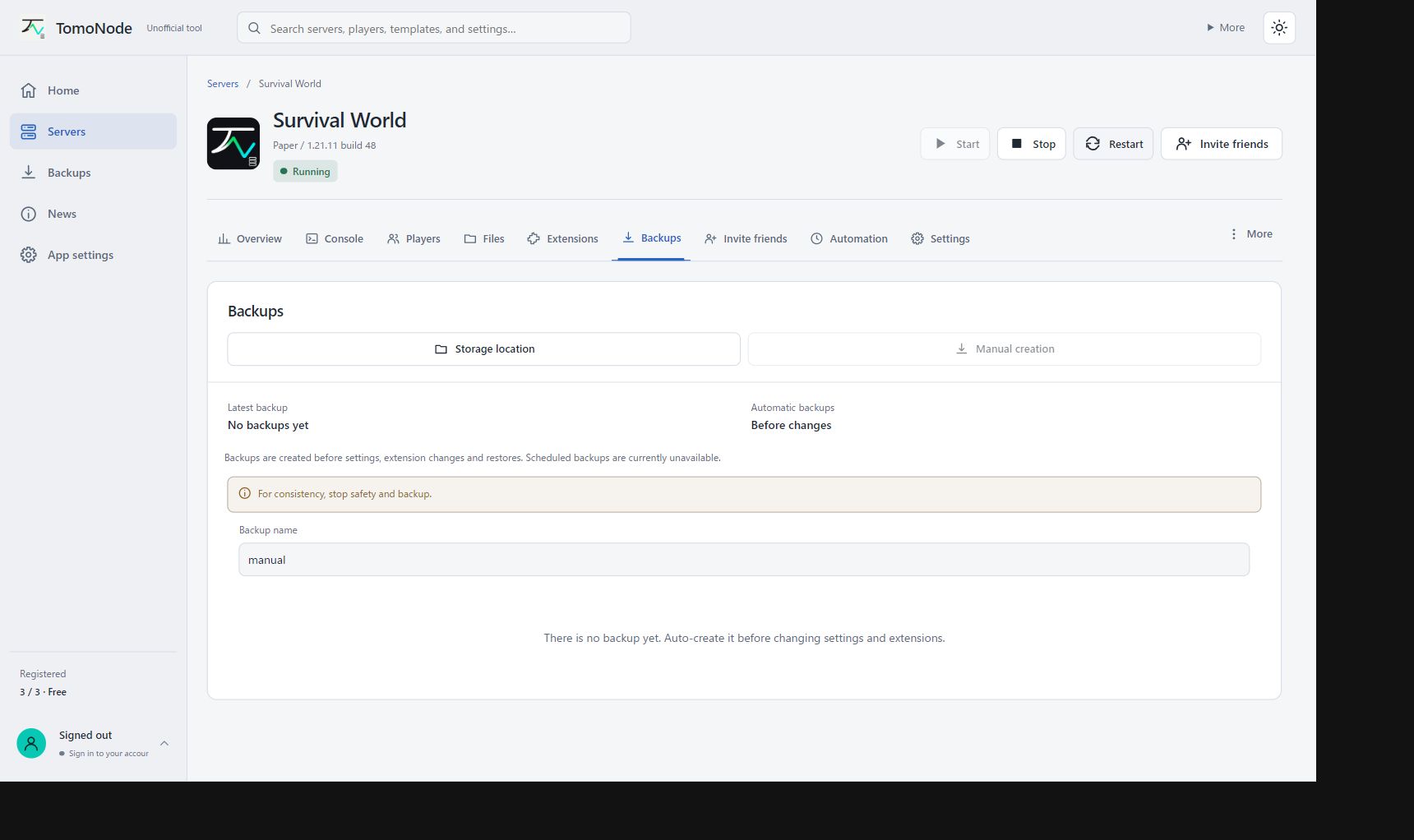
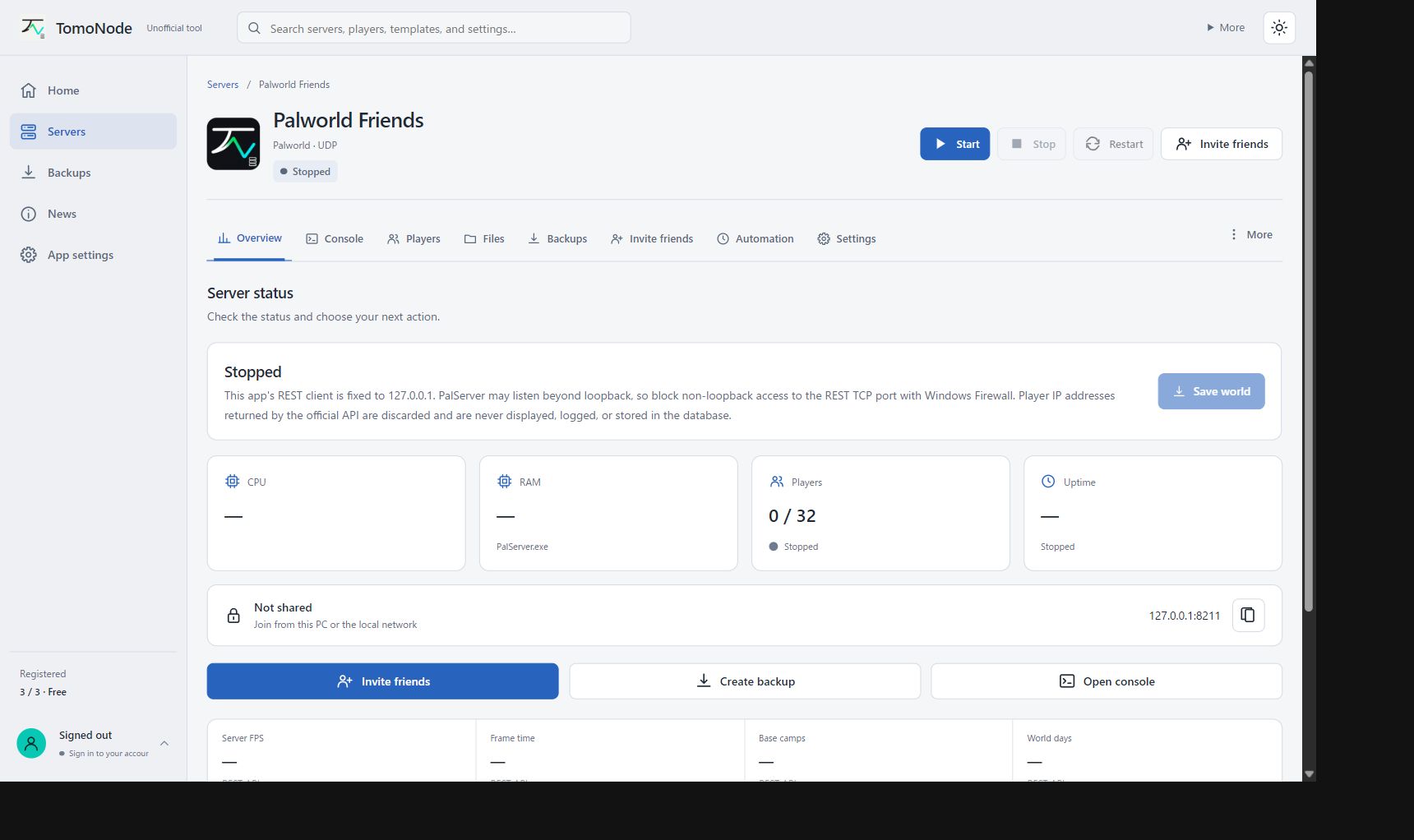
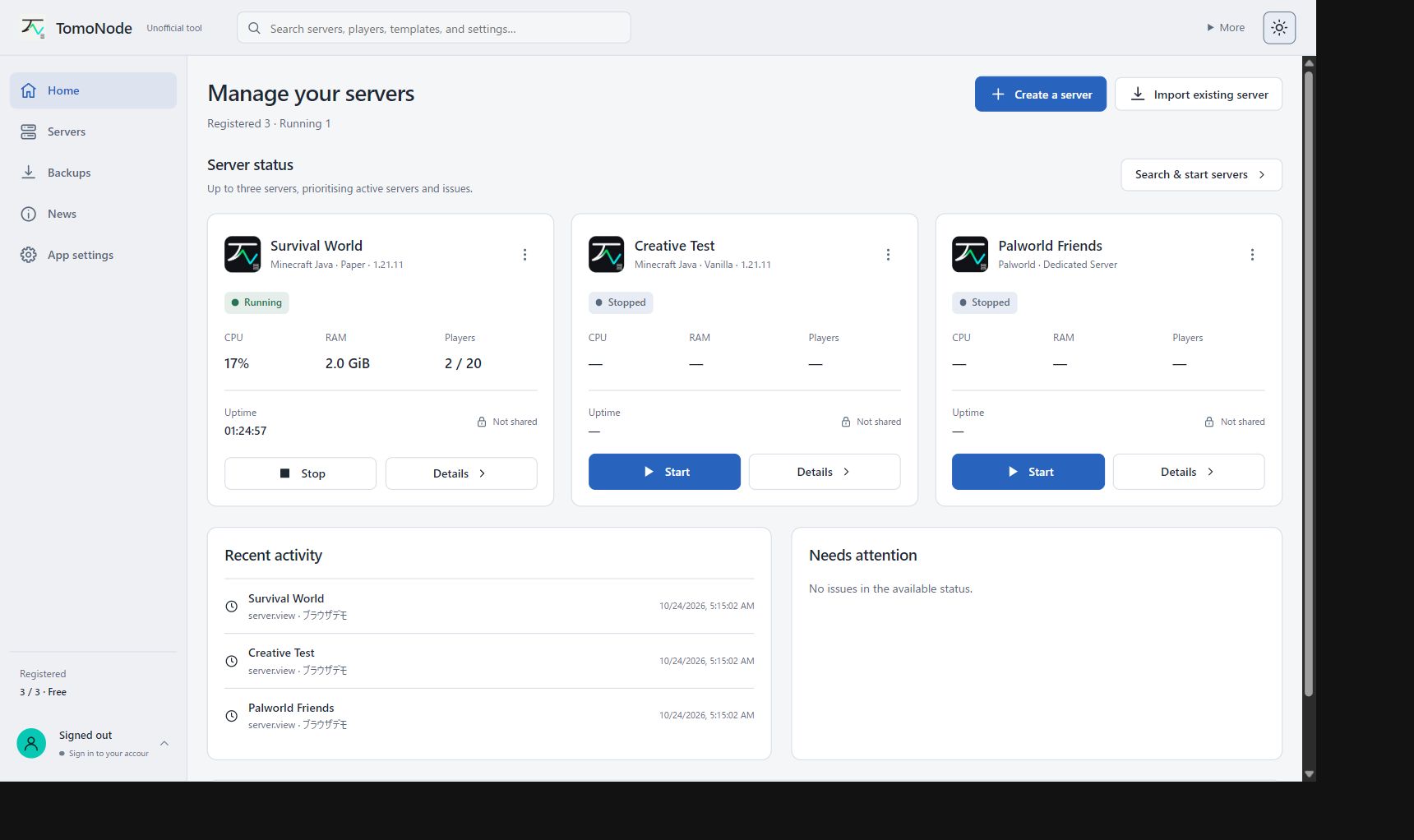
English UI captured from 0.5.28 source with demo data on 2026-10-24 — not live-game or performance test results
Create Vanilla, Paper, Fabric, Forge or NeoForge servers. Import an existing world and choose Java.
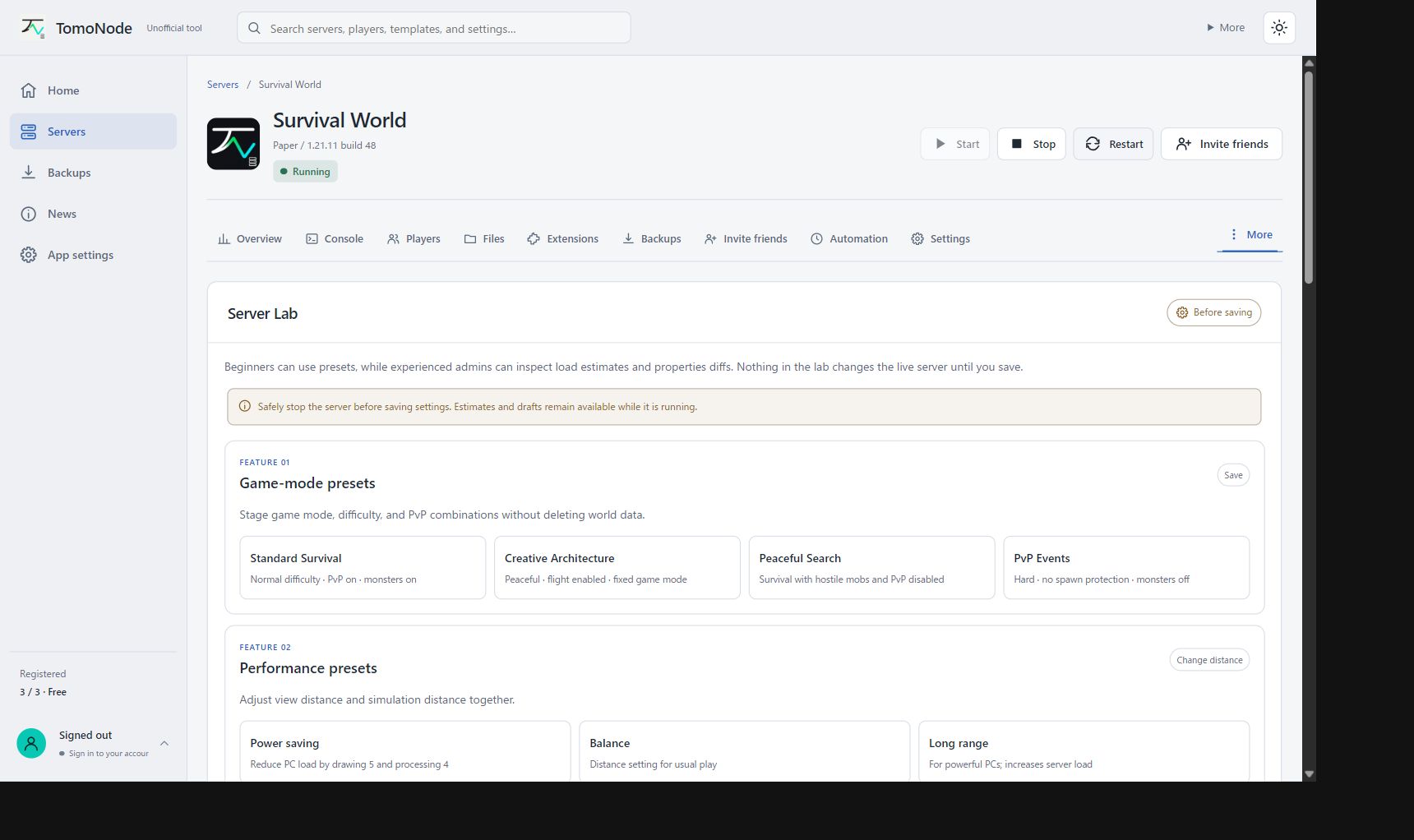
Start, stop and restart servers. View logs, players, settings and local monitoring.
Make manual and pre-change backups. Review changes before restoring or updating.
Availability varies by game and configuration. Some paths are still being tested.
Minecraft Java: server setup, mods, plugins and datapacks. Loader and version combinations still need real-world testing.
Minecraft Bedrock: Windows dedicated server, permissions and add-ons. Wider real-client testing is ongoing.
Palworld: dedicated server through official SteamCMD and safe shutdown. Wider real-client testing is ongoing.
Add local files or search Modrinth. TomoNode checks versions, dependencies and hashes and shows a plan before installing. Respect each distribution site's terms. Client-side mods may also be required.
Check local CPU, memory, Java and storage information. Get initial suggestions for player count, memory and distances based on your setup. These are estimates, not a performance guarantee.
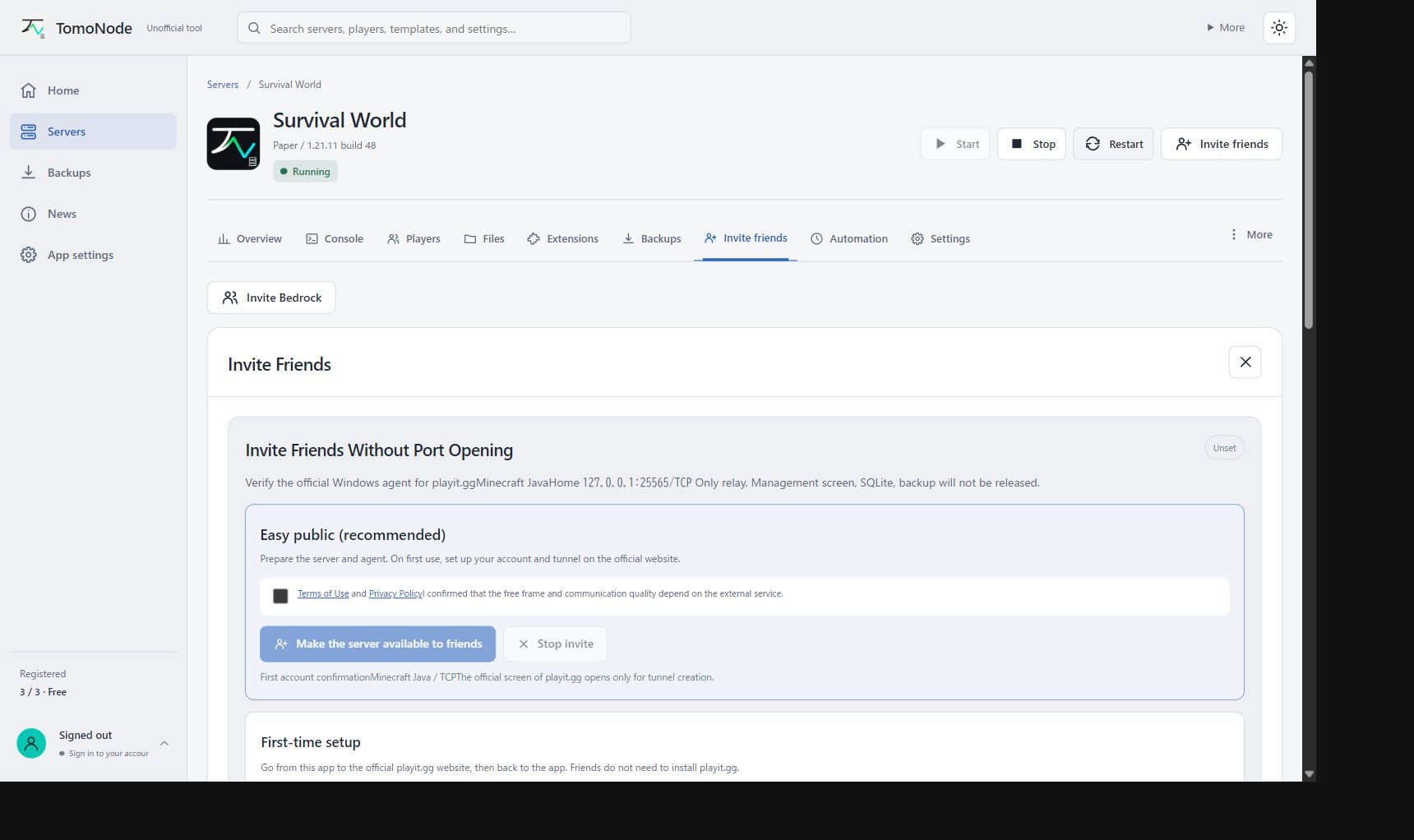
Manage allowlists and player roles. For access from another home, choose UPnP or official playit relay where available. Router, provider, firewall, network and service conditions still apply.
Free supports up to three new server registrations. Core management, diagnostics, backups and safety features stay free. Existing servers over the limit are not deleted.
Supporter is being prepared for USD 3.00/month plus applicable tax via Stripe. Benefits are linked to your TomoNode account ID and include unlimited server registrations, three exclusive themes and opt-in Discord operations alerts. No early-access features are currently available. Purchases are not enabled yet.
Sign in to view your planCreate accountThe website and app are ad-free. PC diagnosis runs locally. Optional sign-in cookies and browser preferences are explained in the privacy policy.
Yes. The core server and safety features are free. Optional support is not yet available.
Connection from another home depends on router, provider, firewall and any relay service. Port forwarding may still be needed.
No. Capacity changes with your PC, game version, mods, network and workload. Diagnosis provides starting suggestions only.
Published Windows x64 release. The GitHub Latest and latest.json versions have been checked.
TomoNode_0.5.28_x64-setup.exeDC845D4DC8378F01591E97AC05C31B77D980D968896EC5EE3118F799C9668CB5The 0.5.28 release files and hashes were checked. Installed-app upgrades, real-game connections and production purchases were not retested for this website update.
Check the official GitHub Release URL, filename and SHA-256. There is no Windows Authenticode signature. Do not run a file if details differ or remain unclear.
Uninstalling the app alone does not remove external server folders or worlds. Check your servers, worlds, settings and backups before deleting or moving files.
Not Windows Authenticode-signed. Check the source and SHA-256; do not bypass unfamiliar warnings.